Product and MVP
Audience, core problem and essential features. The first release has defined boundaries to validate usage before expanding the product.
SaaS development
From the first MVP to platform evolution: user experience, development, customer accounts and operations defined within a clear scope.
One product, many customers
SaaS is software accessed over the internet, usually offered through a subscription. Unlike an application used only by your team, the product serves customers with their own accounts, access rules and a journey from sign-up to ongoing use.
Development with a defined scope
Deliverables are selected for your product. An MVP does not need every feature from day one; the proposal defines what will be built, validated and delivered.
Audience, core problem and essential features. The first release has defined boundaries to validate usage before expanding the product.
Navigation, new-user onboarding and everyday screens. Prototypes help review decisions before development.
Registration, authentication, roles and data separation between customers. Access rules are defined and tested against the product model.
Plans, usage limits and billing integration where included in scope. Sign-up, cancellation and payment failures require their own workflows.
Administration panel, history and connections to external tools, based on available access and operational needs.
Environments, database, tests, backups and monitoring defined for deployment. Maintenance and evolution terms are agreed in the proposal.
Inside digital products
Explore scheduling, support and subscriptions. Each product has its own identity, rules and workflows.
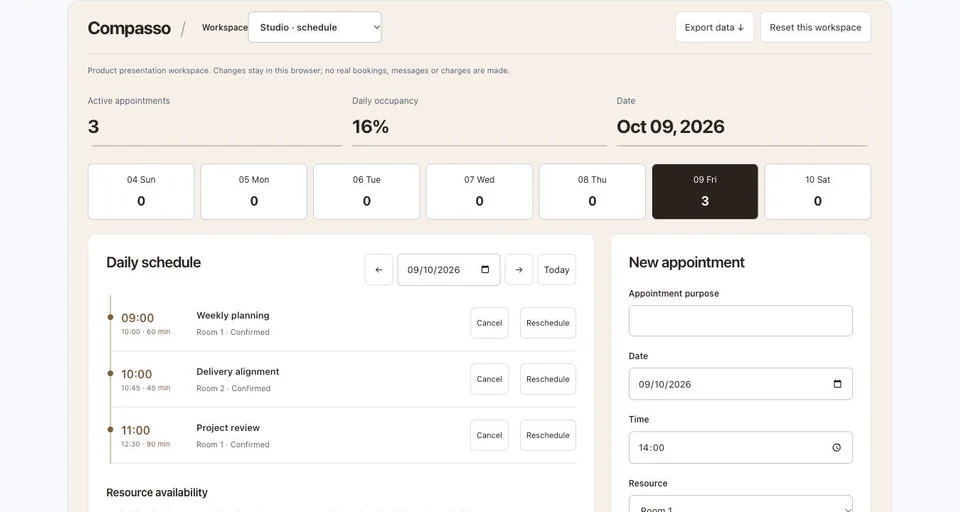
Scheduling for service businesses
A schedule per workspace, with resources, availability and protection against overlapping appointments.
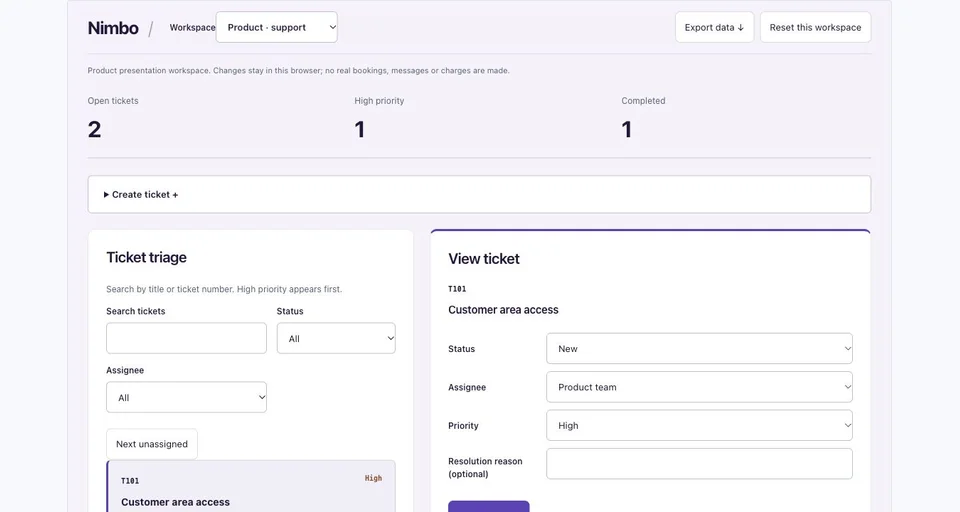
Support for service teams
From portal to resolution: tickets by priority, assignees and the history of every request.
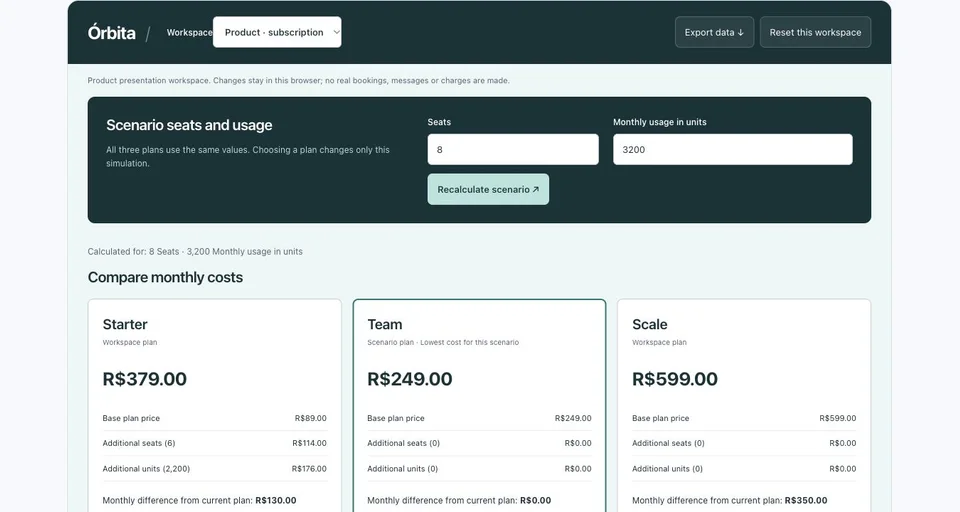
Plans, usage and subscription management
A workspace for understanding product usage, comparing plans and tracking outstanding invoices.
From idea to use
Who will use it, what task it solves and how we will assess the first version.
Review the experience, implement features and test rules, permissions and exceptions.
Prepare operations, monitor usage and prioritise the next improvements using clear criteria.
No. We can define the audience, problem, core journey and priorities to scope a first version. Later features remain in the evolution plan.
They are service options, not a fixed package. The proposal specifies the authentication, customer isolation, billing, infrastructure and tests your product needs.
Hosting, databases, messaging, payment providers and external services may have recurring costs. Estimates depend on usage; support and evolution are agreed separately.
Let’s talk
Tell me who will use it, what problem it should solve and what the first version needs.
Discuss my SaaS product